Delap Living
AeroBand PocketDrum 2 Max Drumsticks Electronic Drums Set Musical Instrument Professional Air Drum Kit Pedals 8 Sounds
AeroBand PocketDrum 2 Max Drumsticks Electronic Drums Set Musical Instrument Professional Air Drum Kit Pedals 8 Sounds
Couldn't load pickup availability
SPECIFICATIONS
Brand Name: AeroBand
Drum Pad: 7
High-concerned chemical: None
Is Batteries Included: Yes
Origin: Mainland China
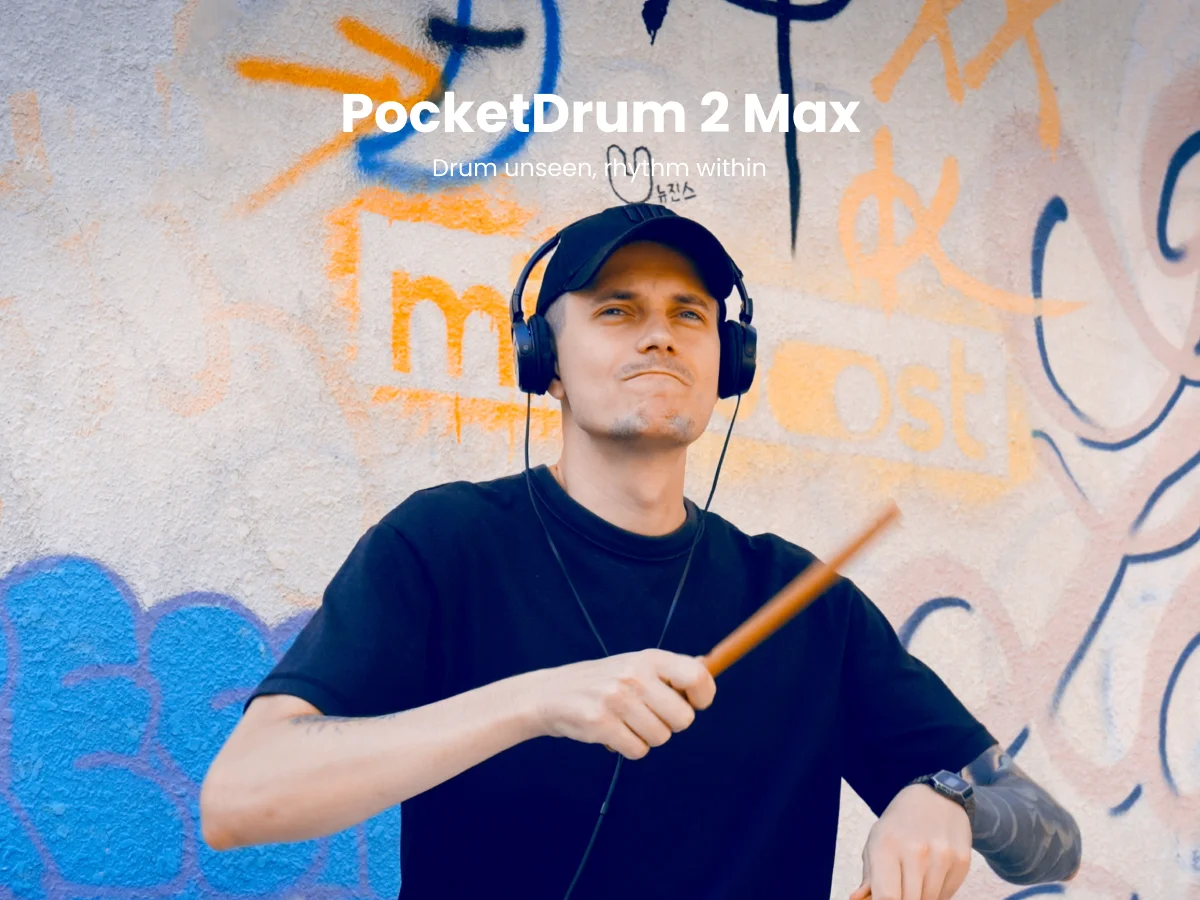
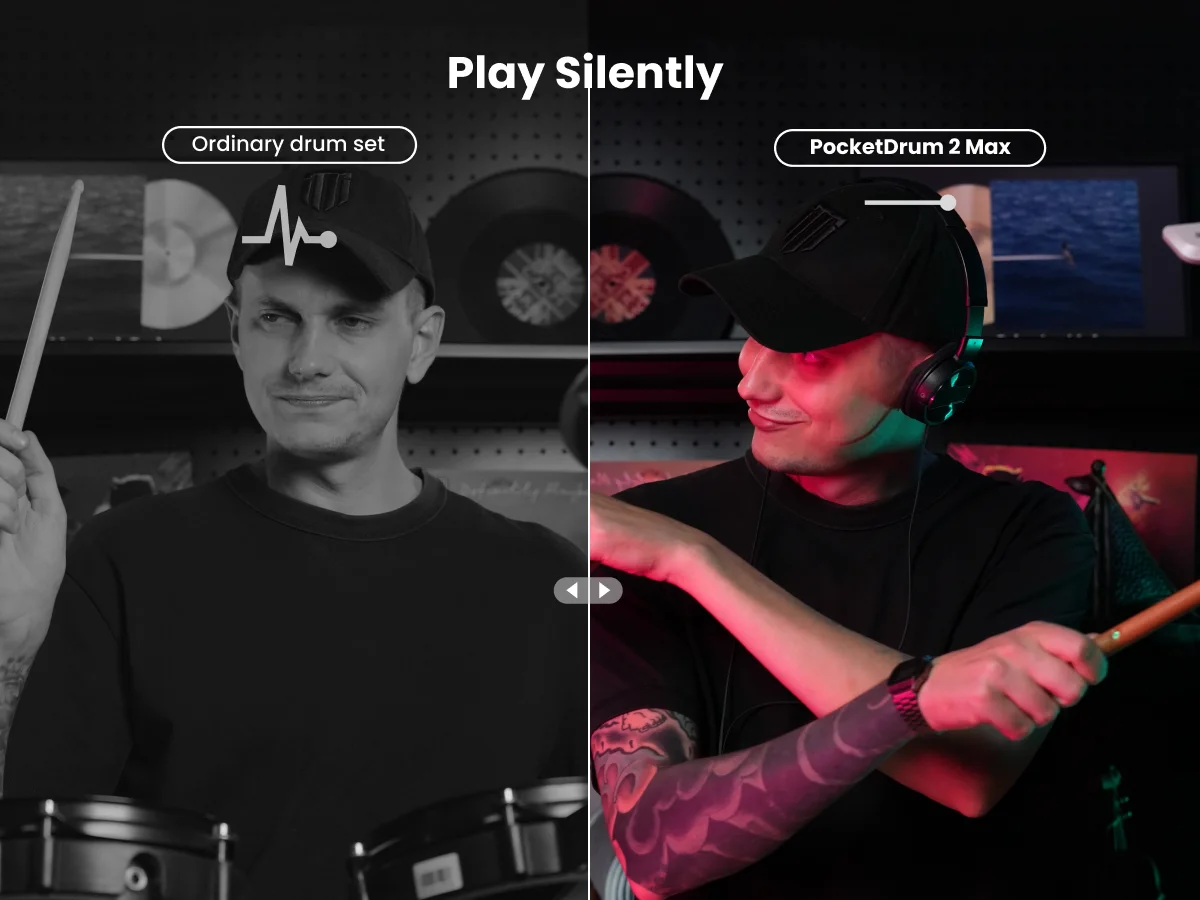
【Takes no space | Really quiet】 Pocketdrum 2 MAX is a great alternative to real drum when you have no space and can't be loud. The Adapter brings the delay to 6ms in the latest upgrade.
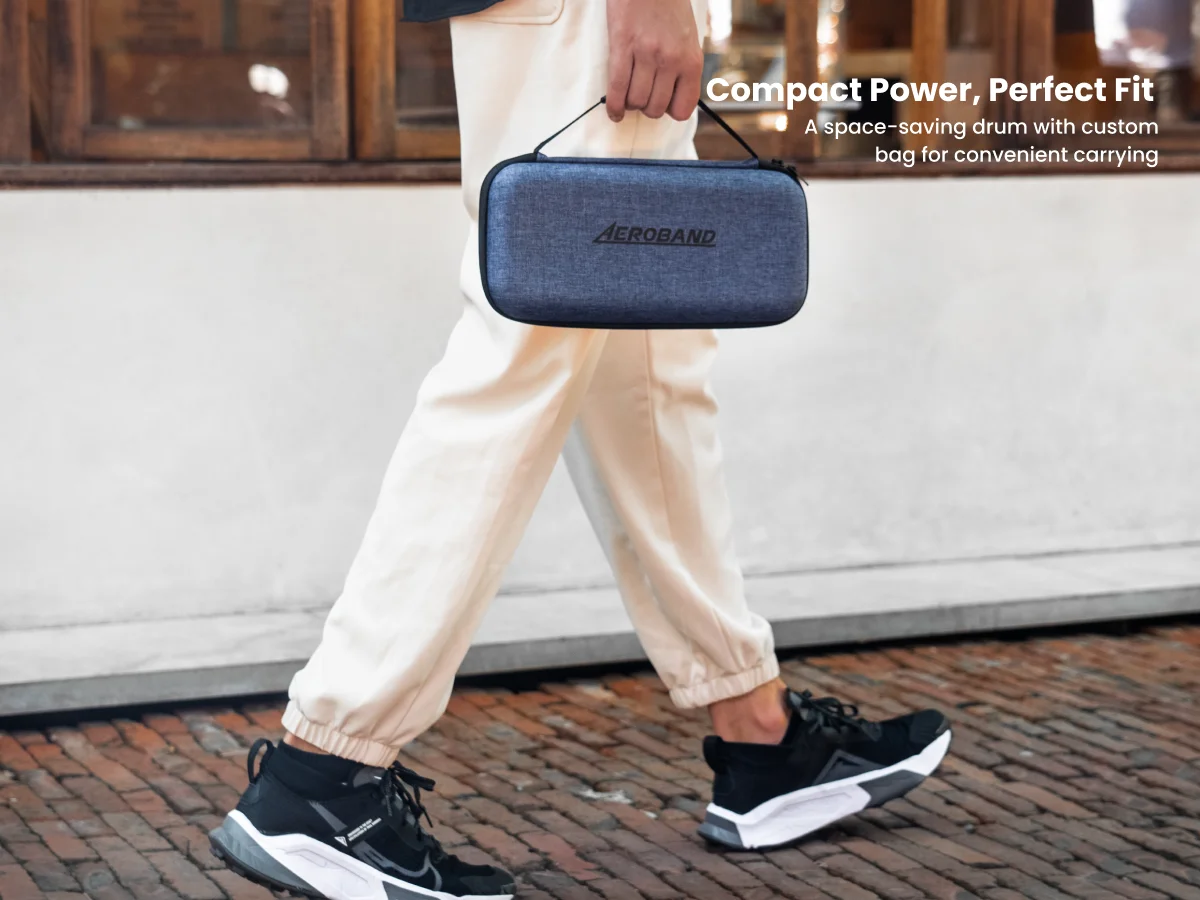
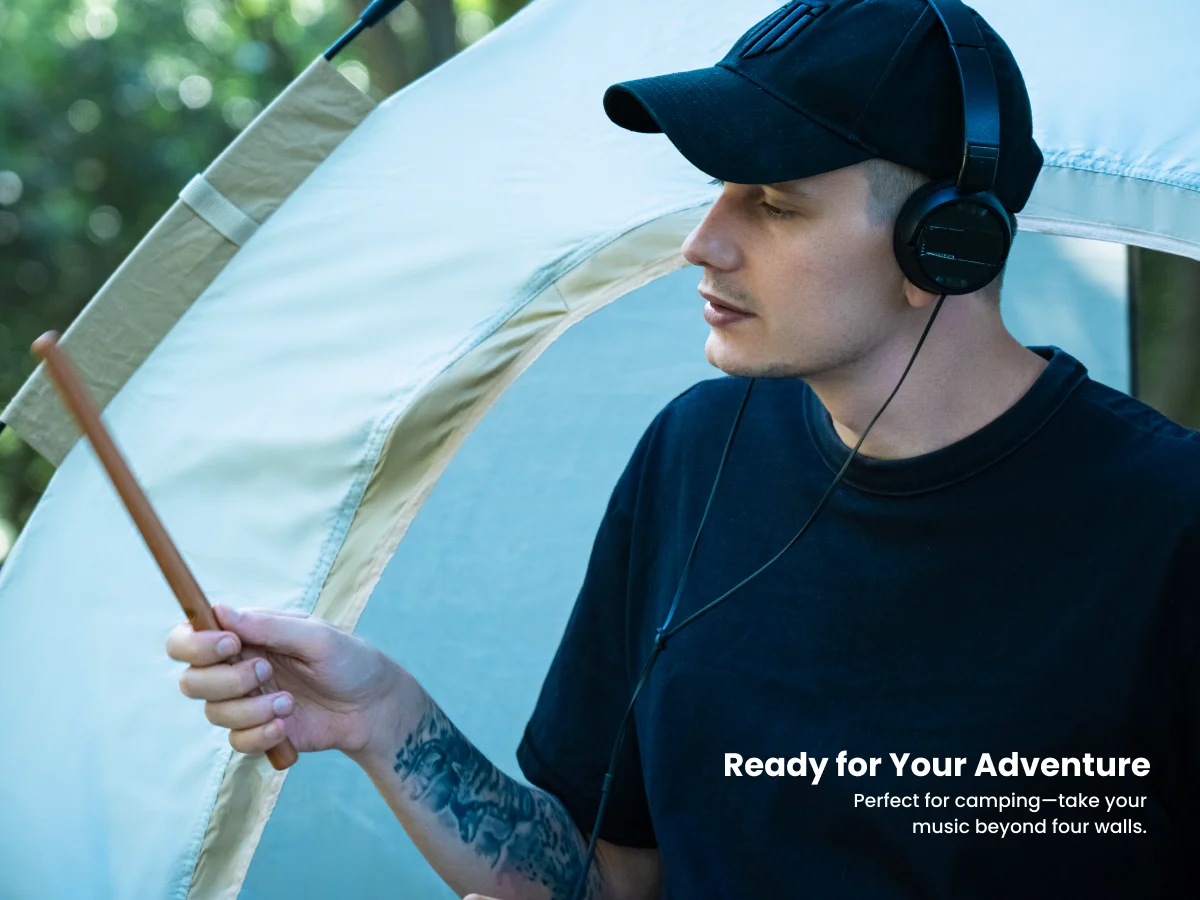
【Carry it anywhere】You can play PocketDrum indoor or outdoor regardless of the light. You can easily carry anywhere even traveling or in your car. You just need a speaker,headphone or car stereo to make sound rather than a computer or phone.
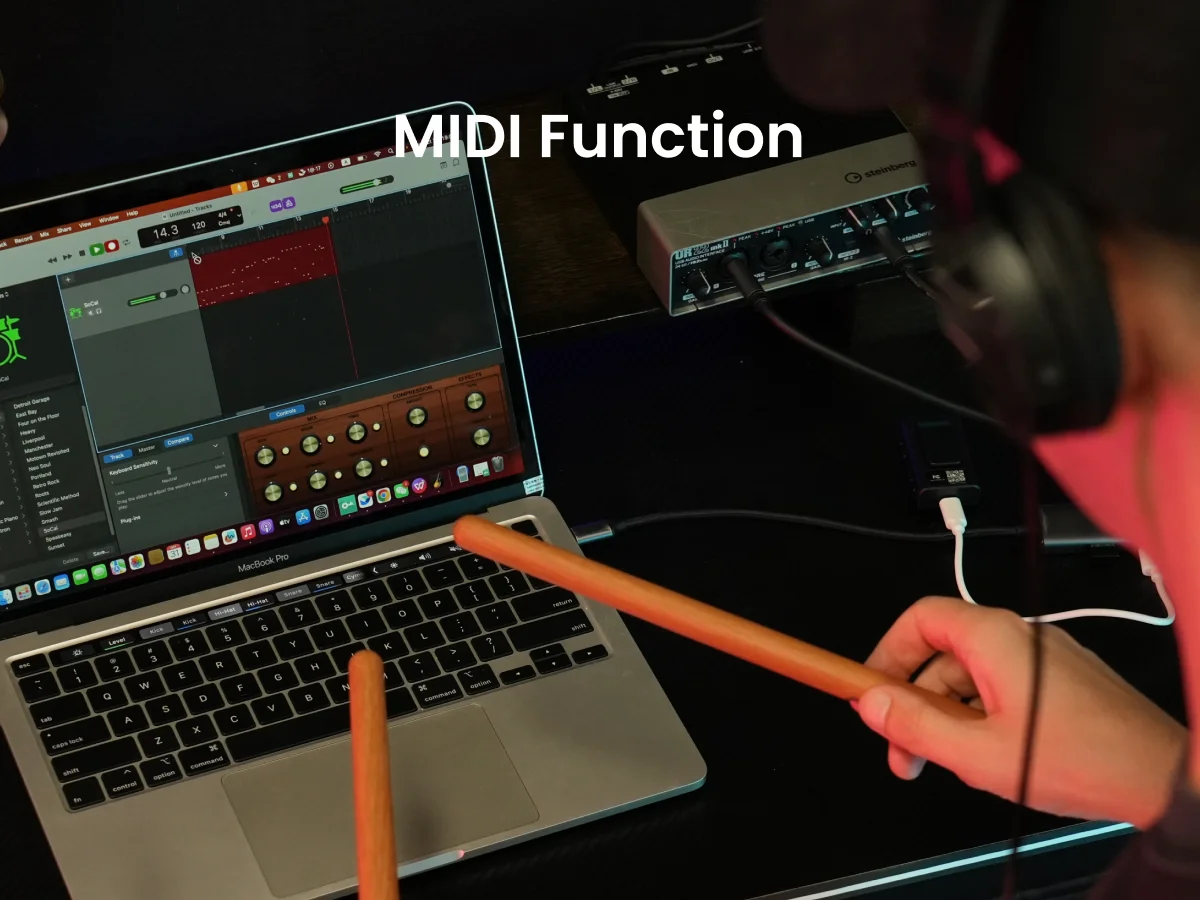
【8 Sounds | Built-in Bluetooth | Support MIDI】The sound of the Adapter is prefect. There are 8 sounds including ROCK、FUNK、JAZZ style. It will be fine to playing along with your favorite bands via Bluetooth on the Adapter. Or to recording and making your own music via USB or Bluetooth MIDI.
【50000+ Users | 3 Years Develpment】We optimized the algorithm by sampling the action data of 50,000 users since 2021. It make drum learning easier than real drums. Regardless if you know zero about drumming, you can play PocketDrum well within short time.
【2024 Upgrade Version & Service】The upgraded Pocketdrum 2 MAX offers more stable connectivity, includes an earphone, and comes with an easy-to-follow tutorial for a better user experience. Plus, enjoy up to 2 years of warranty with dedicated after-sales support to resolve any issues.